
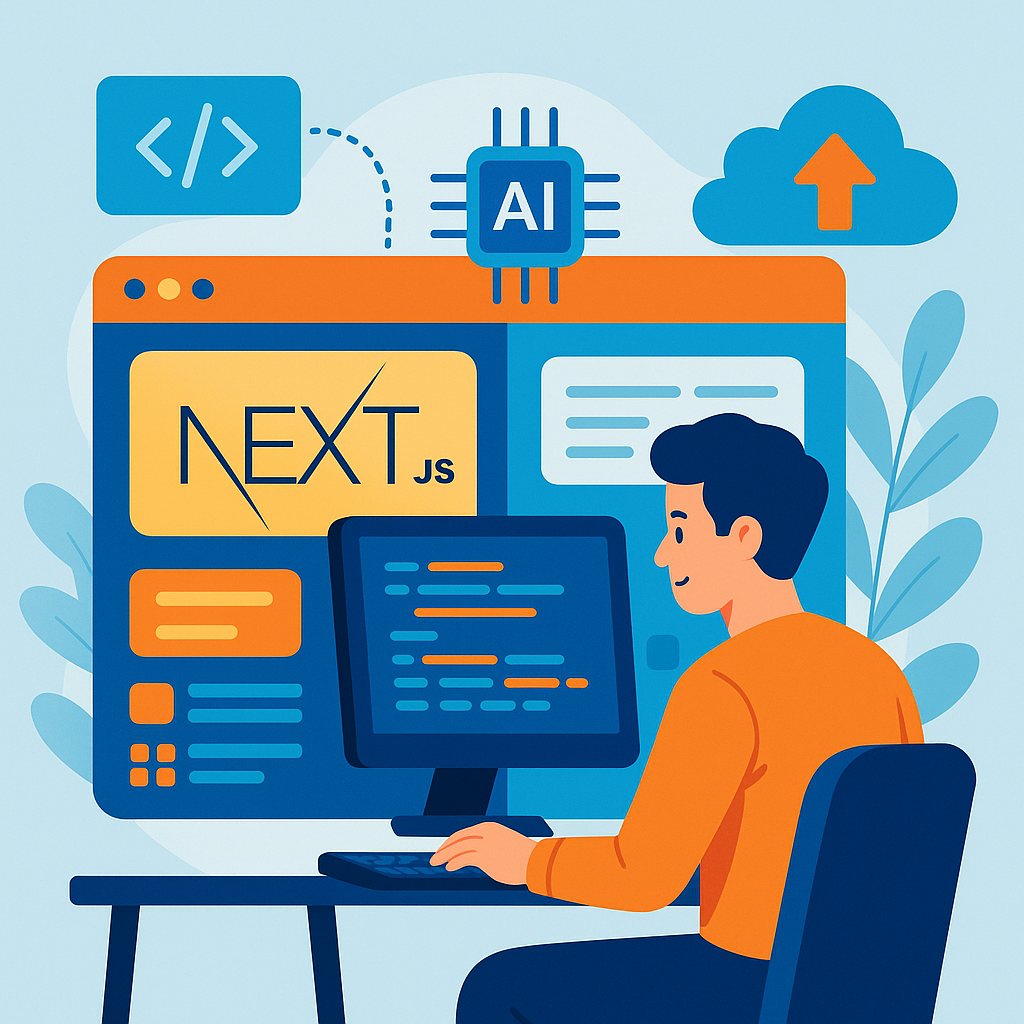
Why Next.js?
Next.js is a powerful framework for building web applications. It’s fast, flexible, and makes it easy to handle server-side rendering. If you're looking to build something scalable, it's a great choice.
Integrating AI
AI can enhance your web applications, making them smarter and more responsive. By integrating AI features, you can provide better user experiences and automate many tasks.
Best Practices for 2026
Here are some best practices to keep in mind when building scalable web applications with Next.js and AI:
1. Optimize for Performance
- Image Optimization: Use Next.js's built-in image component. It automatically optimizes images for different devices.
- Code Splitting: Next.js does this automatically. Only load the code that’s needed for the current page.
- Caching: Use caching strategies like Incremental Static Regeneration (ISR) to reduce load times.
2. Use API Routes
Next.js allows you to create API routes in the same project. This makes it easier to handle server-side logic. For example, you can create a simple API route for fetching AI data:
export default function handler(req, res) {
  const data = fetchAIData(); // Your AI function here
  res.status(200).json(data);
}
3. Leverage Serverless Functions
Serverless functions can help you scale your application without worrying about server management. You can run AI models on-demand, saving resources and costs.
4. Manage State Efficiently
For scalable applications, managing state is crucial. Use libraries like Zustand or Recoil for simple state management. For larger apps, consider using Redux.
5. Focus on Accessibility
Building an inclusive app is important. Make sure your application is accessible to all users. Use semantic HTML and ARIA roles where necessary.
6. Implement Robust Testing
Testing should be a part of your workflow. Use tools like Jest and React Testing Library to ensure your components work as expected. Automated testing helps catch issues early.
Real-World Example
Let’s say you want to build a chatbot using Next.js and AI. You could set up an API route to handle user messages, process them with an AI model, and return responses.
export default async function chatbotHandler(req, res) {
  const userMessage = req.body.message;
  const aiResponse = await getAIResponse(userMessage);
  res.status(200).json({ response: aiResponse });
}
By using serverless functions, you can scale this application easily. If more users start chatting, your app can handle it without a hitch.
Monitoring and Scaling
Once your app is live, monitoring is key. Use tools like Vercel Analytics or LogRocket to track performance and user behavior. This data helps you make informed decisions on scaling.
Conclusion
Building scalable web applications with Next.js and AI is a smart move for 2026. By following these best practices, you’ll be well on your way to creating efficient, user-friendly apps. Remember, always keep performance, accessibility, and testing in mind as you grow your application.





Comments (0)
No comments yet. Be the first to leave a comment!
Verify Your Comment
We sent a 6-digit OTP code to . Please enter the code below to publish your comment.